Whiskey Systems is retiring. Move your distillery's books in a weekend.
FIVE x 5 says Whiskey Systems retires June 30, 2027, and asks customers to schedule their move by March 31, 2027. Here is how a move to DISTRYB Production & TTB works: six steps, reconciled account by account against the reports you already filed.
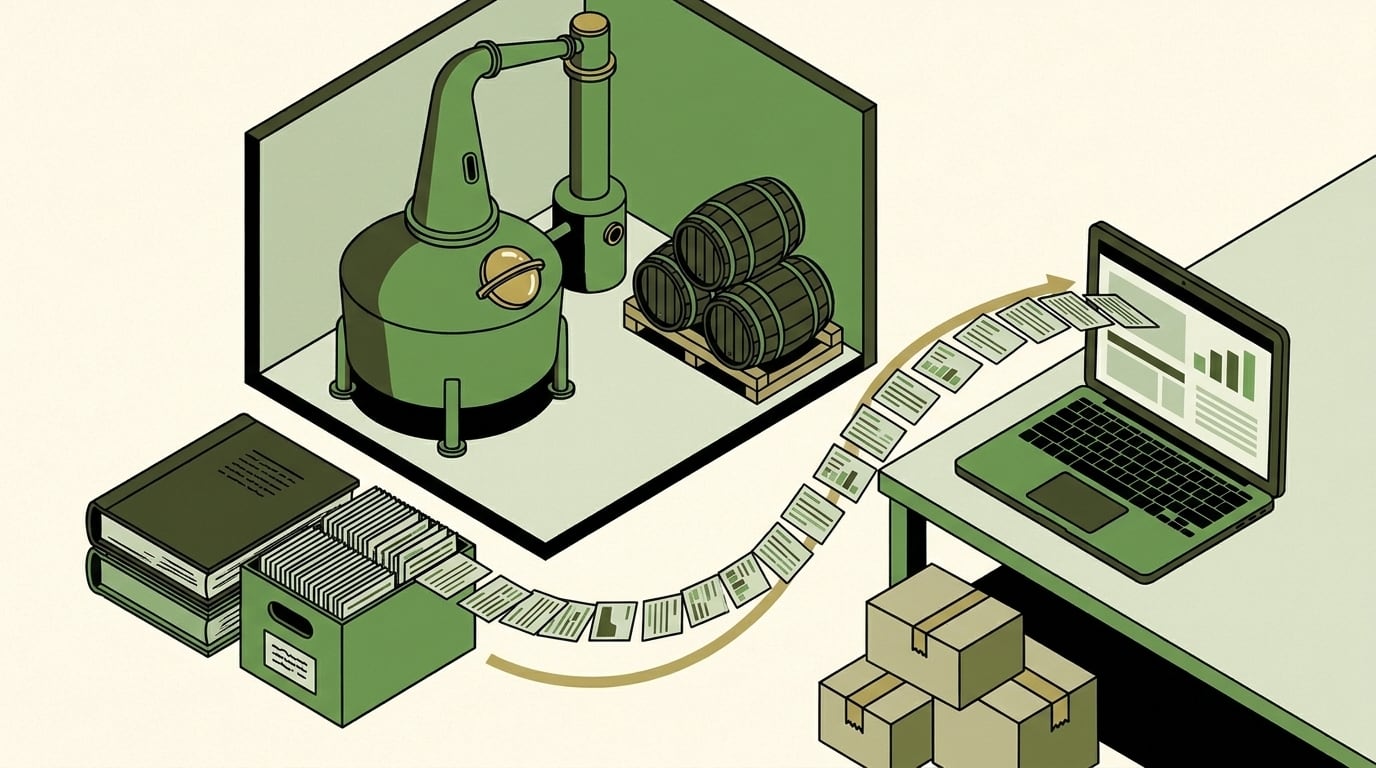
Whiskey Systems has a retirement date. FIVE x 5, the company behind it, says on its own page that "Whiskey Systems retires June 30, 2027." The same page asks customers to schedule their move by March 31, 2027: "Schedule by March 31, 2027 to reserve a go-live date before Whiskey Systems retires on June 30, 2027."
So every distillery on Whiskey Systems has to move its books somewhere. If that somewhere is DISTRYB Production & TTB, the move takes six steps, and each one is checked against the reports you have already filed.
How a move to DISTRYB works
1. Pick your cut-over month
Choose the last month you filed with TTB from your old system. Your books here start the month after it. Keep filing that month, and every month before it, from the old system.
2. Bring your last filed reports
Upload the PDFs of your last filed 5110.40, 5110.11 and 5110.28, or type the figures in. We read the on-hand lines into the figures your opening balances must match, and the same read pre-fills your opening balances. Nothing goes on your books until you check those lines and press Record.
3. Bring your barrels
Export your barrel list as a CSV. Whiskey Systems' help centre says of its barrel list: "This list can be exported as a CSV." Drop the file in and we match the columns by name. Any column we don't recognise, you map by hand, with a preview of how the first rows will read. Once you import, we remember those choices for the next file at the same plant.
We never guess a fact that changes your tax. If the file doesn't say whether a barrel was bought in bond, we ask. We never assume it was distilled here.
4. Tanks, cases and materials
Enter what's in your tanks and the cases still in bond, as of the last day of the cut-over month. Then add the grain, malt and botanicals you have on hand. Recipes and products can come later.
5. Reconcile before you record a thing
We check five accounts: storage of domestic spirits; storage of imported, Puerto Rico or Virgin Islands spirits; processing, bulk; processing, bottled and cased; and production. For each one we show what you entered here next to what your last filed report says, with the difference. Within 0.1 proof gallons is a match. A filed figure you haven't entered shows as unknown, and a figure we couldn't read cleanly off your report shows as check this figure. Neither ever counts as a match. The step also stays open if an opening balance is dated anything other than the last day of the cut-over month.
6. Your first month here
We tell you what to file for your first month and when it's due: the 5110 reports and, once your excise filing period is set, the 5000.24. The Reports tab fills TTB's official forms from your records. You check them, sign them and file them yourself, on Pay.gov or on paper. DISTRYB never files for you.
Why distillers switch
- Two plants, one login, separate books. Each DSP permit is its own plant here and files its own reports.
- Barrels keep their history. Fill dates, lot marks and fill counts come across from your export, when it carries them.
- Downstream is built in. Orders, invoices and state excise are in the same platform.
Production & TTB is priced per plant, from $79 a month, by finished volume. A year costs ten months, and each additional plant is 25% off. See our pricing page for current launch pricing.
What comes across, and what doesn't
- Comes across: barrels (from a CSV), your on-hand balances (from your filed 5110 PDFs, or typed in), tanks, cases in bond, and materials.
- Kept beside your books, not in them: transaction history from before the cut-over. Whiskey Systems' help centre says "you can export ALL transactions that impact the TTB Reports over any date range into a single file". Save that export as a CSV and upload it under History (before DISTRYB). Every row and every original column is kept, searchable by month, lot and barrel, and shown on a lot's or barrel's history marked as from your previous system. It is never counted in your reports here: those months were already filed. Keep the original exports and reports too. FIVE x 5's page says that customers moving to DISTILL x 5 keep read-only access: "You keep read-only access to all your Whiskey Systems data." The page does not say whether that applies to a distillery moving to another system, so ask FIVE x 5 before you rely on it.
- Not published: the exact columns of Whiskey Systems' exports. Our import handles any column names, so this doesn't block a move. We just don't claim to know their format.
Questions
Will my first month here match my last month there? Your opening balances are reconciled account by account against the reports you filed. Any account more than 0.1 proof gallons off is shown, with the difference, and the reconcile step stays open until it matches.
Do I need to stop using Whiskey Systems first? No. Keep it for the months you already filed.
Get started
Read about DISTRYB for distilleries, breweries and wineries, or create your producer account.
Whiskey Systems and DISTILL x 5 are products of FIVE x 5. DISTRYB is not affiliated with, endorsed by, or sponsored by FIVE x 5. If we have a fact wrong, write to accounts@distryb.com and we will correct it.
Sources
- Whiskey Systems retirement page, FIVE x 5 (read 27 October 2026)
- Whiskey Systems retirement page, FIVE x 5: what comes with a move to DISTILL x 5 (read 27 October 2026)
- Bulk Barrel Management, Whiskey Systems help centre (read 27 October 2026)
- Daily Logs, Whiskey Systems help centre (read 27 October 2026)